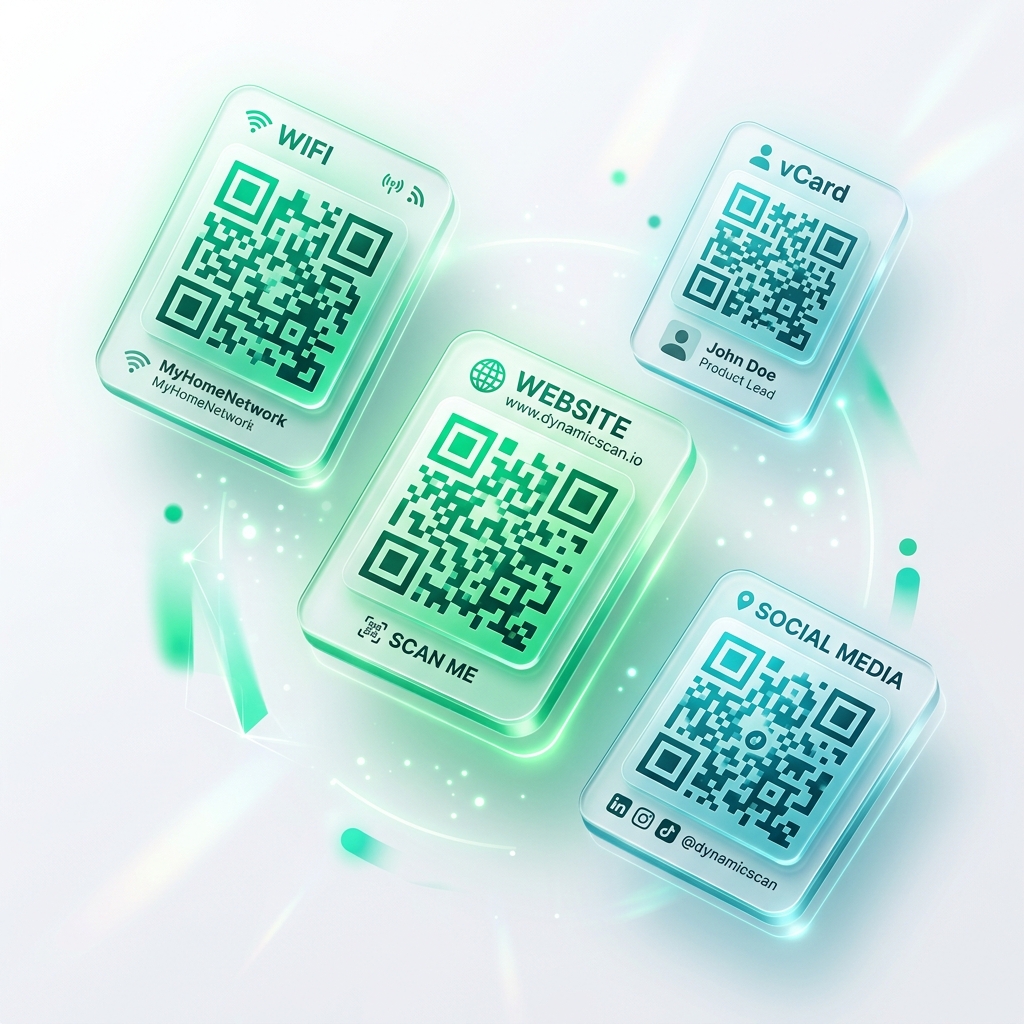
Free static codes — no sign-up, no watermark, no expiry.
Dynamic codes with real-time analytics, editable destinations, and bulk generation.
Join thousands of businesses using QRTRAC for their QR code needs
Decision Framework
Answer one question to find the perfect generator.
Use a Static Generator. No account needed. Paste your URL, download the code, done.
Best for → Business cards, one-off links
Use the Dynamic Creator. Change the destination after printing. Track every scan.
Best for → Campaigns, menus, packaging
Use Bulk Generator for CSV uploads. Use White-Label if you are reselling.
Best for → Agencies, events, manufacturing
Use the Static QR Text Labels tool. CSV upload, sequential numbering, Avery templates, PDF & PNG export.
Best for → Inventory, asset tags, warehouses
The Core Difference
The most important decision when creating a QR code.
No Account Required
Create QR codes instantly — no sign-up, no watermark, no strings attached.
Permanent static QR codes — paste a URL and download instantly. No account needed.
Convert any website address into a scannable QR code for print or digital distribution.
Distribute redeemable digital coupons with scan tracking and multi-location support.
Advanced Tools
Dynamic QR codes with enterprise features, custom domains, and agency tools.
Editable, trackable QR codes with real-time analytics and campaign management.
Route QR scans through your branded domain (qr.yourbrand.com) with auto-SSL.
Rebrandable QR platform for agencies — your logo, your domain, zero QRTRAC footprint.
High Volume
Generate thousands of codes from a spreadsheet or let AI optimize your designs.
Upload a CSV or Excel file and generate 10,000+ unique QR codes in one batch.
Bulk-generate static text QR codes from Excel, special characters preserved exactly, exported back to Excel.
AI-powered QR code generation with intelligent design and scan optimization.
Print-ready QR code sheets for large-scale physical campaigns and packaging.
Use-Case Specific
Purpose-built tools for specific content types — email, vCard, WiFi, payments, and more.
Maximize Scan Rates
Follow these formatting and placement rules to ensure every printed code scans reliably.
Print at least 2 × 2 cm. For distances over 3 ft, increase to 10 × 10 cm minimum.
Dark modules on a light background. Avoid low-contrast combos like yellow-on-white.
Download SVG for any print material — it is a vector that scales to any size without pixelation.
Maintain a 4-module margin around the code. Crowding edges against graphics reduces scannability.
Frequently Asked
Free static codes in seconds. Dynamic codes with a 7-day free trial — no credit card.
7-day free trial · No credit card required