A Modern Touch for Your Special Day
Elegant Digital
Wedding Experiences.
Seamlessly connect your paper invitations to digital RSVPs, event schedules, and shared photo galleries. Beautifully designed, effortlessly simple.
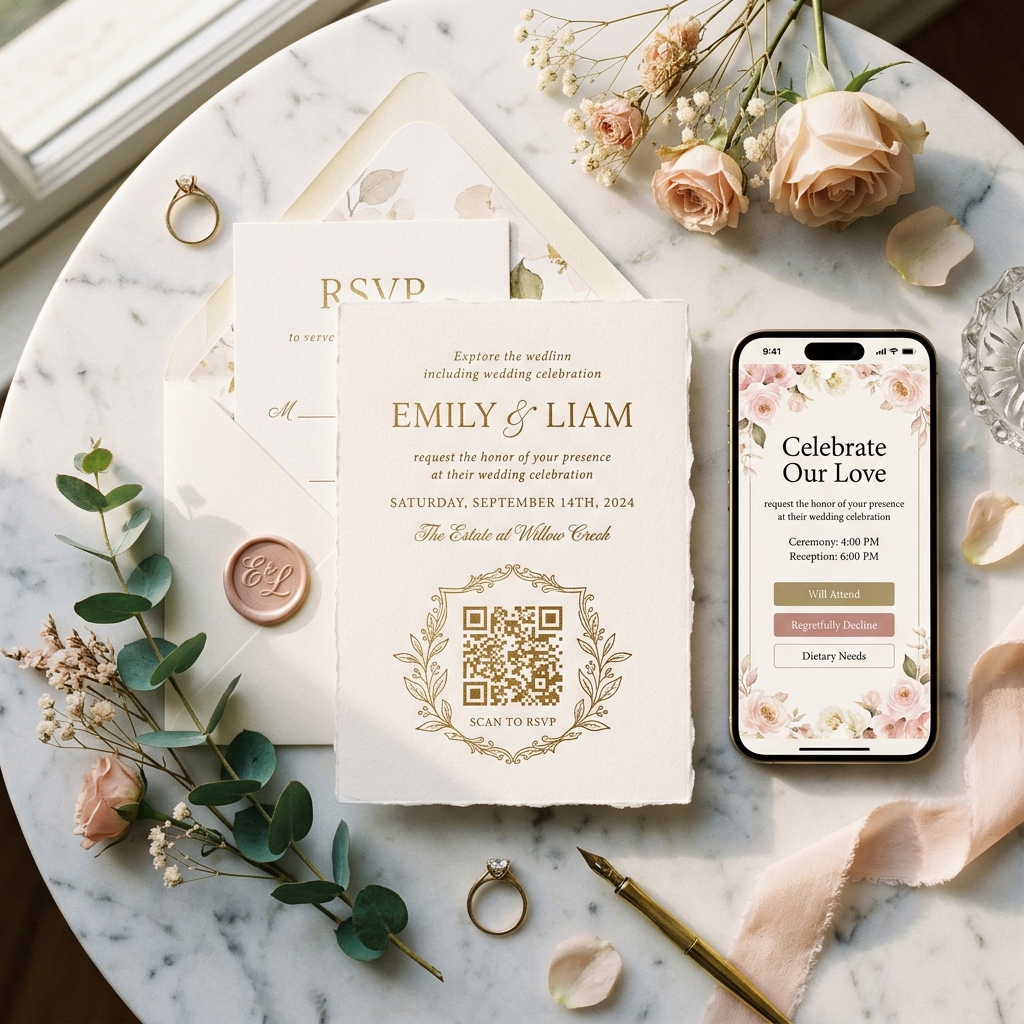
A Modern Touch for Your Special Day
Seamlessly connect your paper invitations to digital RSVPs, event schedules, and shared photo galleries. Beautifully designed, effortlessly simple.
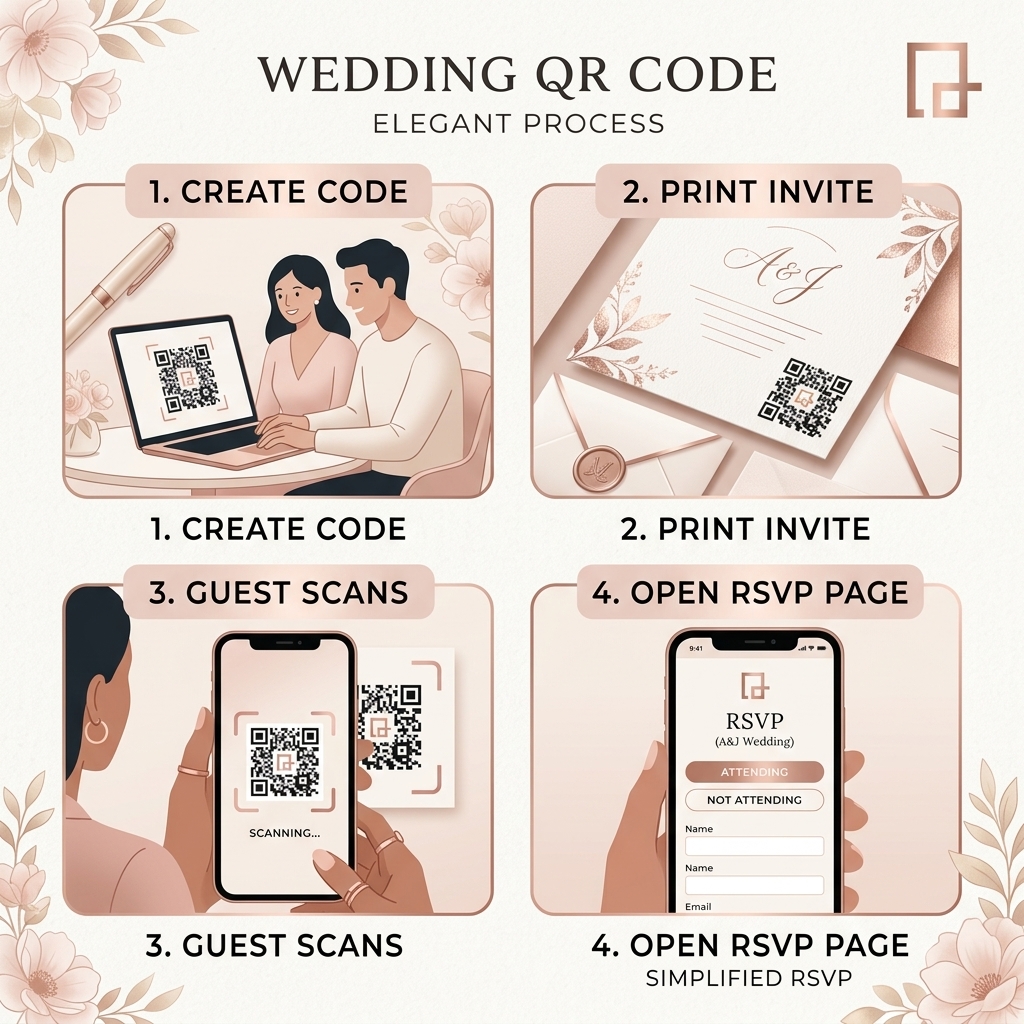
Your wedding invitations set the tone for your entire celebration. Don't ruin a beautiful letterpress design with a clunky URL. A custom, color-matched QR code connects your physical invites to a stunning digital experience.
Stop waiting on the mail. Guests scan the code and RSVP instantly from their phones, automatically organizing your guest list and dietary requirements.
Customize the QR code's color to perfectly match your blush, sage, or navy color palette. You can even remove the background for seamless printing.
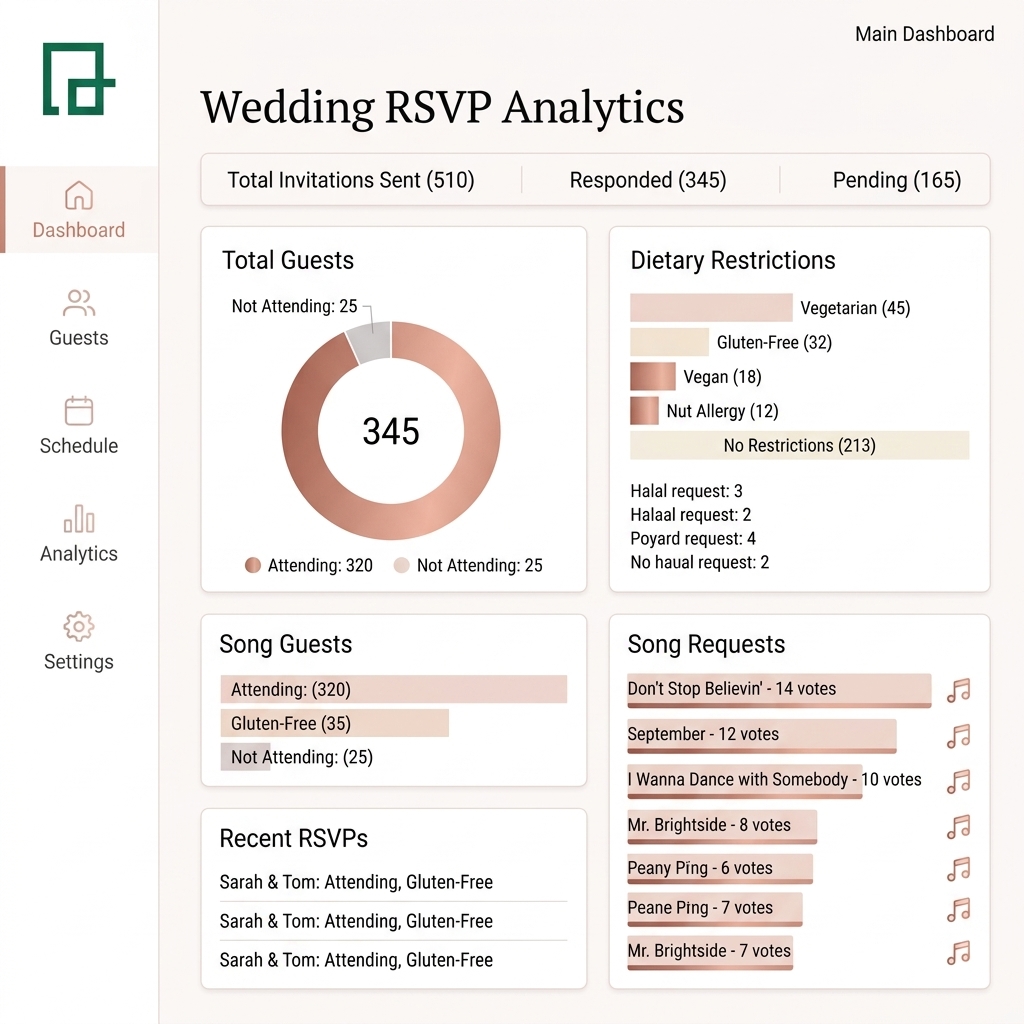
Say goodbye to manually counting paper RSVPs and deciphering bad handwriting. Our intuitive dashboard tracks every guest interaction in real-time.
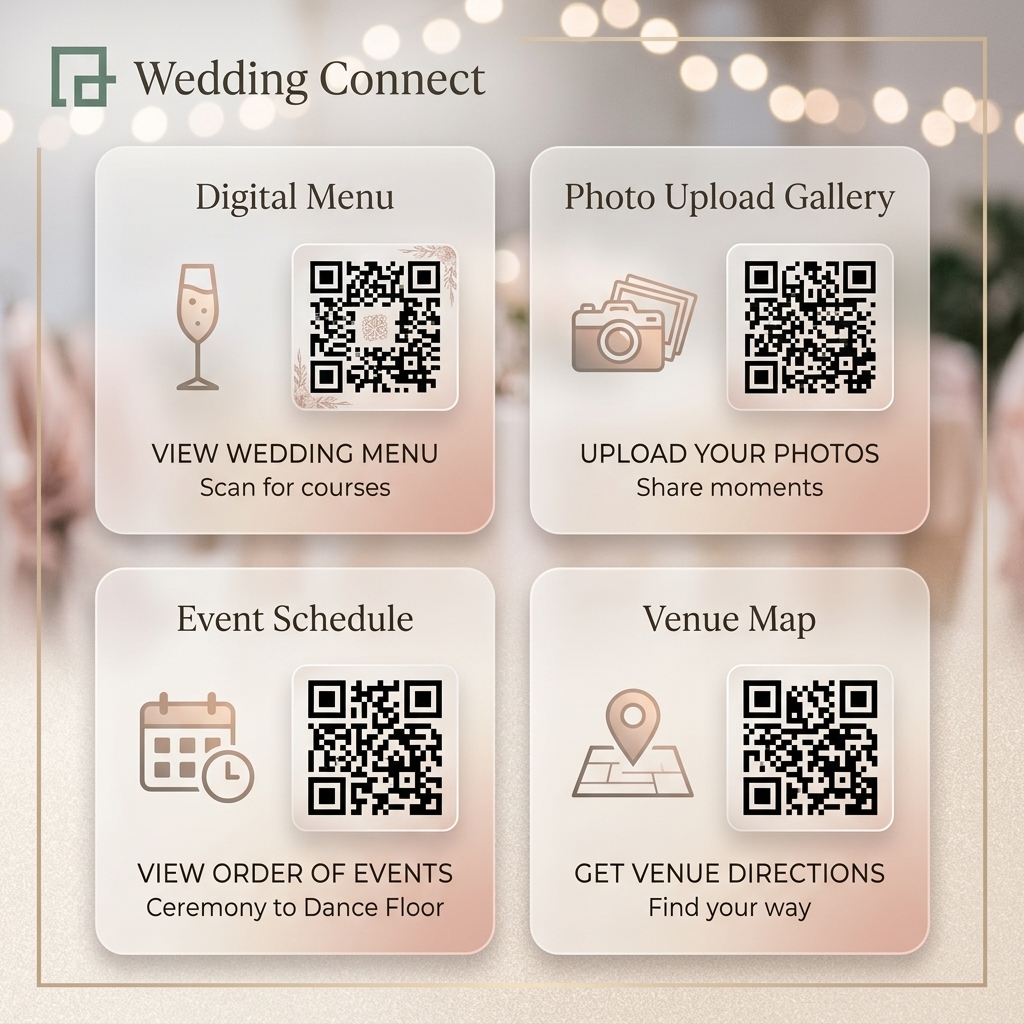
From the 'Save the Date' to the final dance, QR codes simplify communication for you and your guests.
— Sarah & James, Married Oct 2023
Common questions about using QR codes for weddings.
Once you create your QR code in QRTRAC, you can download it as a high-resolution SVG or PNG file. You can then send this file to your stationer or upload it directly to sites like Minted, Zola, or VistaPrint to be printed on your paper invites.
Yes! You can link your QR code to a digital photo gallery. Guests simply scan the code at their reception table and can instantly upload the photos they took during the ceremony directly from their phones.
Absolutely. You can use our 'Link-in-Bio' style page generator to create a beautifully branded digital hub. Guests scan one QR code, and they can choose to RSVP, view the dinner menu, or look at the schedule of events.
Not at all. QRTRAC allows you to customize the color, shape, and style of your QR code. You can choose soft blush tones, elegant gold colors, and even remove the square borders so it blends perfectly into your floral or minimalist invitation design.
Most modern smartphones automatically scan QR codes simply by opening the camera app. For older relatives, you can always include a short URL printed just below the QR code (e.g., yournames.com) as a backup option.
Design your custom wedding QR codes today. Free trial, no credit card required.
Start Designing