SYSTEM STATUS: ONLINE
Total visibility.
Zero hardware.
Transform any smartphone into a powerful inventory scanner. Track equipment, vehicles, and IT assets in real-time using secure, dynamic QR code tags.
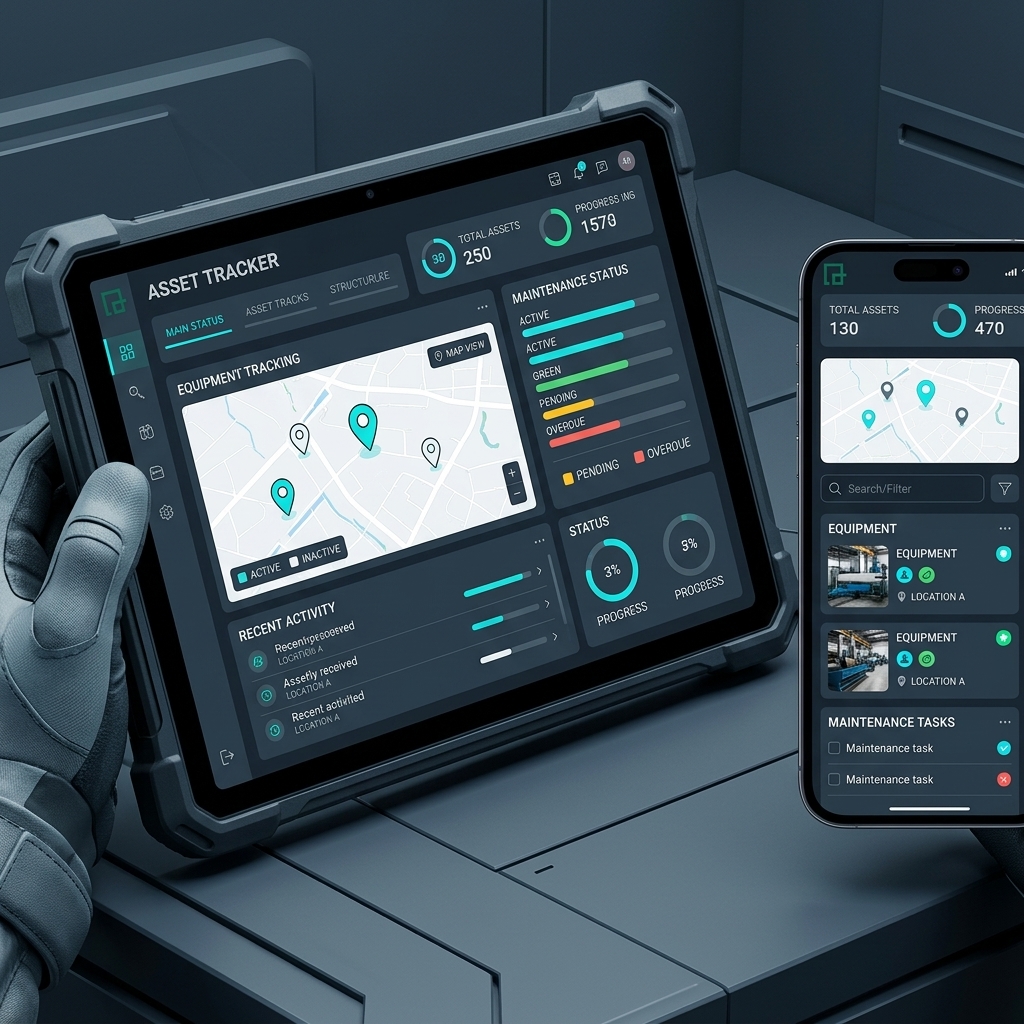
Transform any smartphone into a powerful inventory scanner. Track equipment, vehicles, and IT assets in real-time using secure, dynamic QR code tags.
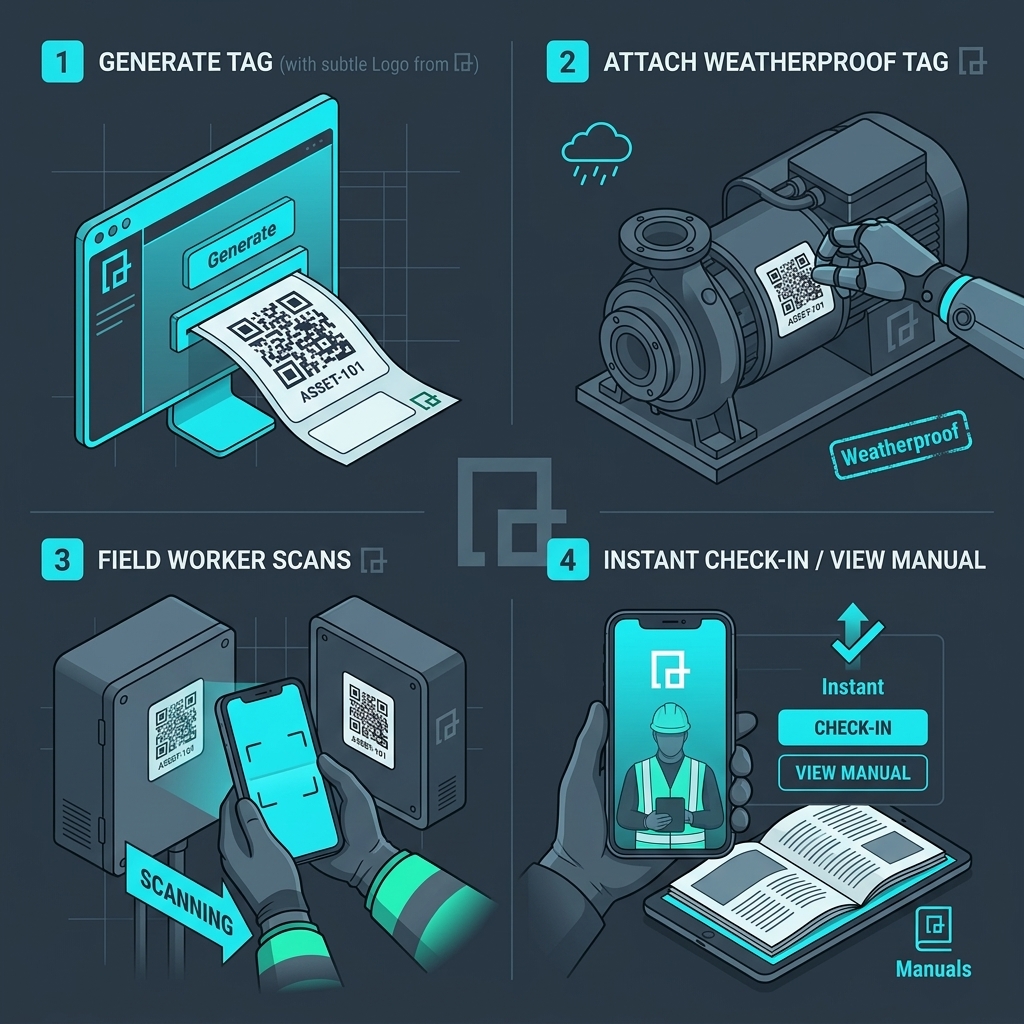
Ditch the clipboards and legacy spreadsheets. Build a connected inventory ecosystem in minutes without investing in expensive, proprietary RFID scanning guns.
Upload a CSV of your inventory. Our system instantly generates hundreds of unique QR codes for every asset.
Download high-resolution vectors ready for industrial printing on weatherproof metal or vinyl tags.
Field workers scan tags with their own phones to check items out, view service manuals, or report damage.
From tracking $10,000 servers in a data center to monitoring power drills across five different construction sites, our dynamic dashboard adapts to your workflow.
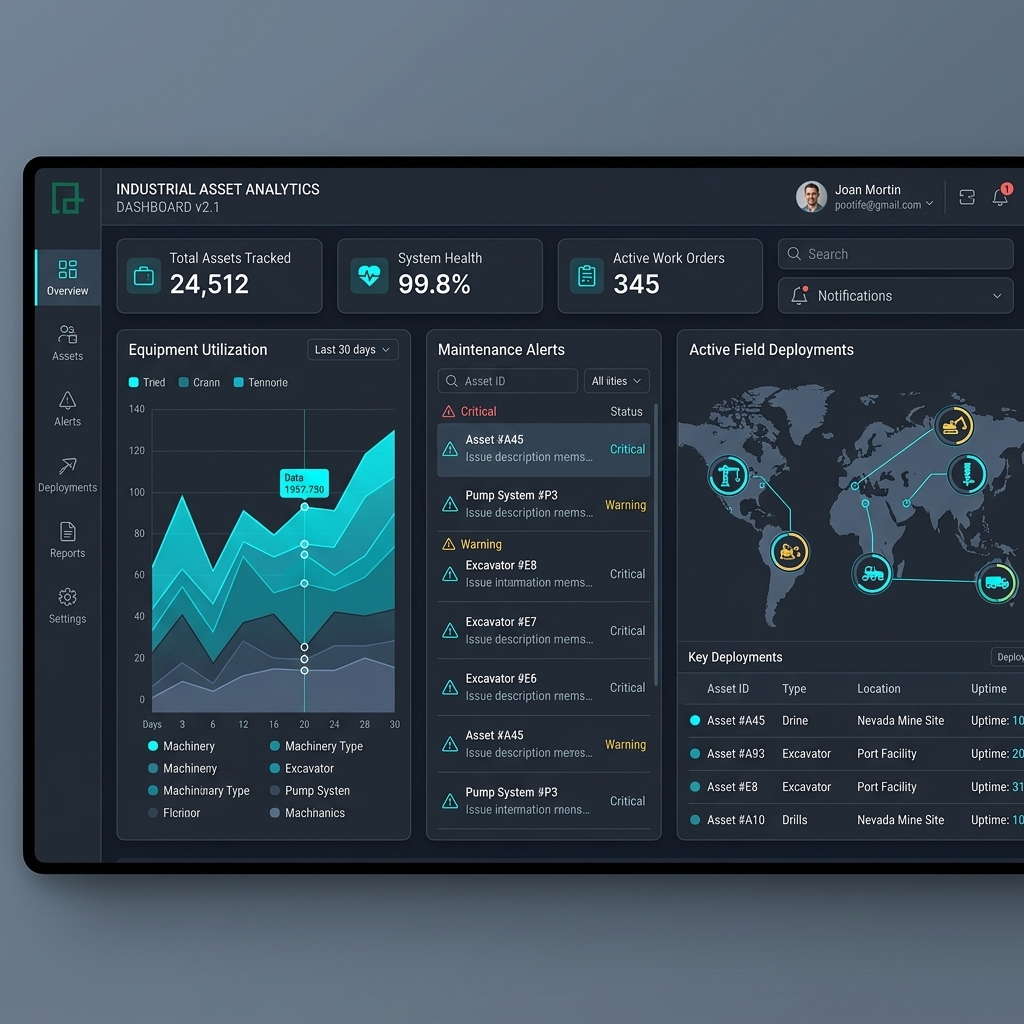
Static barcodes only hold numbers. Dynamic QR codes hold entire applications.
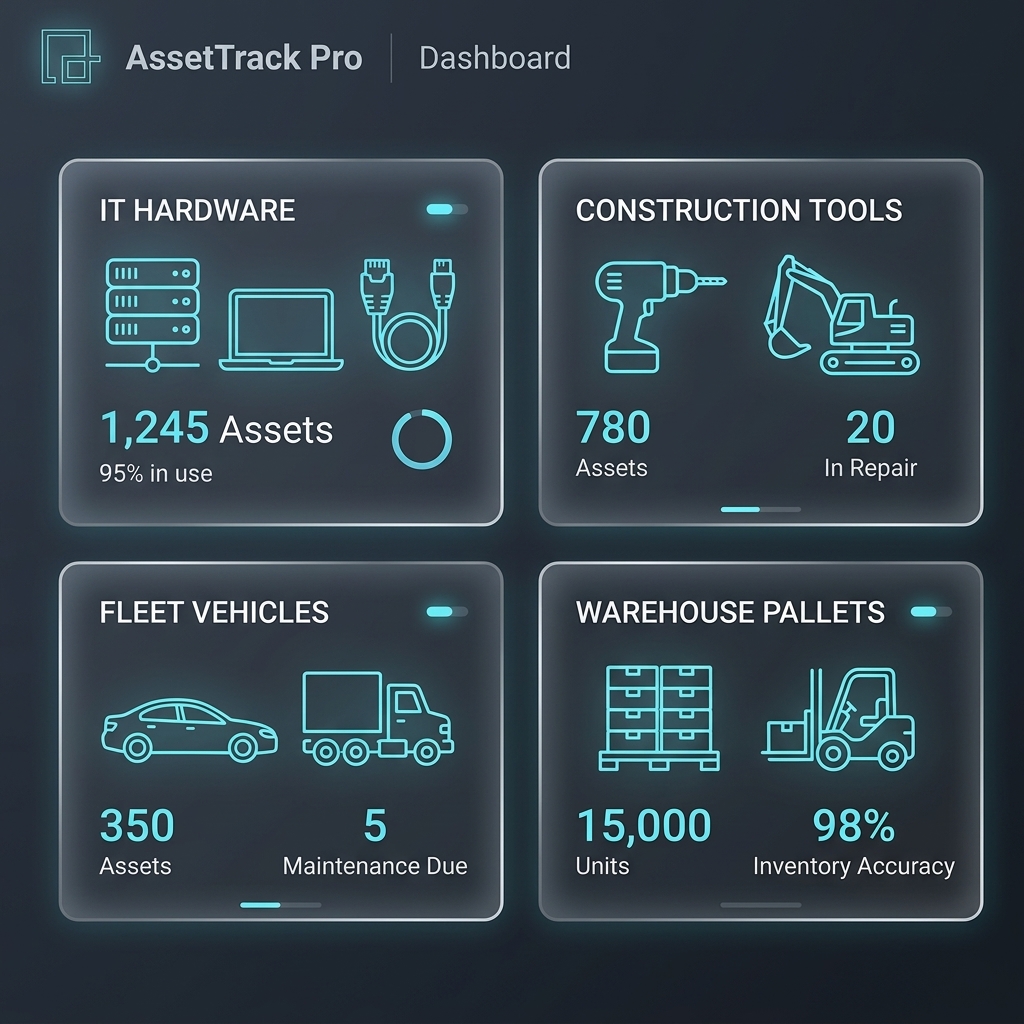
Common questions regarding deployment and infrastructure.
No. Any standard smartphone camera or basic 2D barcode scanner can read QRTRAC asset tags. You don't need to purchase proprietary RFID guns or expensive industrial scanners to get started.
When an employee scans a QR code on a piece of equipment, they are taken to a secure, mobile-friendly landing page for that specific item. Depending on their permission level, they can view the equipment manual, update the maintenance log, report damage, or check the item out/in.
Yes. QRTRAC generates high-resolution SVG and PNG files. You can send these files to industrial printers to have them printed on anodized aluminum, polyester, or weatherproof vinyl tags that withstand harsh environments.
Our system allows you to build a dynamic form linked to the QR code. When a worker scans the drill, they select 'Check Out' and enter their ID. The dashboard instantly updates the status of that drill to 'In Use by [Employee]'.
Yes. Using our API and webhook integrations available on Enterprise plans, you can route scan data and status updates directly into systems like SAP, Oracle, ServiceNow, or even a simple Google Sheet.
Start tracking assets in minutes. Free 7-day testing environment.