Create beautiful, mobile-optimized digital menus in minutes. Update prices, add seasonal specials, and remove sold-out items instantly without reprinting table tents.
Join thousands of businesses using QRTRAC for their QR code needs
Upload your items, generate a code, and let diners browse on their own phones.
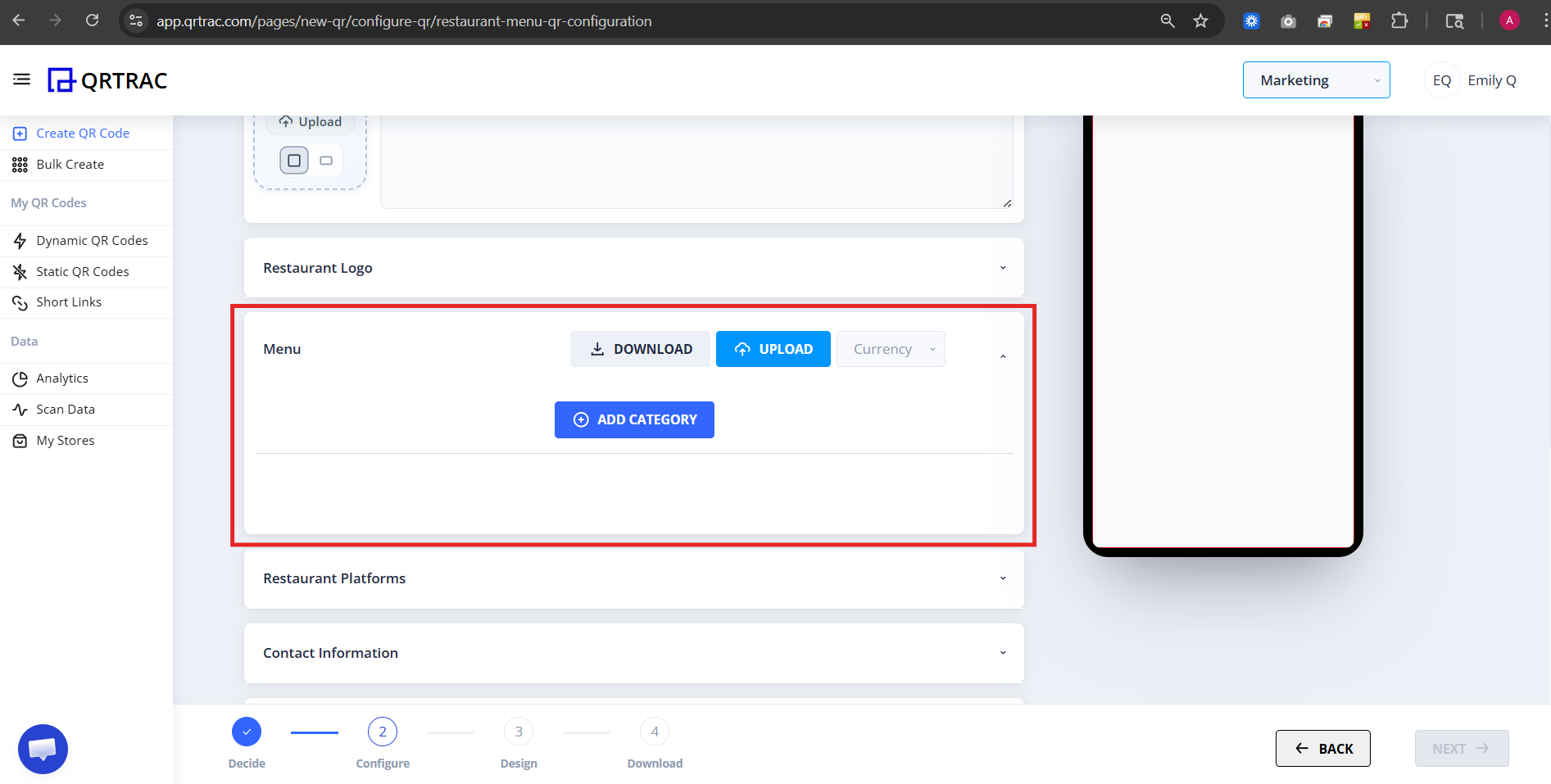
Manually enter dishes or upload an Excel spreadsheet to build your categories in seconds.
Attach mouth-watering photos to your signature dishes to increase order value.
Download the QR code and print it on your tables, bar coasters, or front window.
Sold out of the seabass? Update the digital menu instantly without reprinting anything.
Stop wiping down sticky paper menus. Give your front-of-house staff back their time while increasing ticket sizes with high-resolution food photography.
No more paying $300 a month to reprint menus just because you changed the price of a side salad.
Customers order with their eyes. Including photos of your appetizers and desserts increases average order value.
See exactly what times of day your menu gets scanned the most, helping you optimize staff scheduling.
How hospitality leaders use QR menus to streamline service.
Let customers browse the menu while waiting in line, speeding up the checkout process at the register.
Rotate your extensive wine list daily based on what bottles are open without reprinting heavy binders.
Place codes in hotel rooms so guests can view room service options and order times smoothly.
Tape a laminated code to the side of the truck so crowds can decide what to order before reaching the window.
Include a code on your delivery bags linking to your catering menu for their next big event.
Update your tap list in real-time as kegs blow, ensuring customers always see accurate inventory.
Everything you need to know before going digital.
A restaurant menu QR code links diners directly to a digital menu hosted on a mobile-optimized page β no PDF, no app download required. When a customer scans the code with their phone camera, the full menu opens instantly in their browser. QRTRAC lets you build the menu natively with categories, item photos, prices, and allergen notes, or link to an existing menu URL.
Yes β that's the core advantage. QRTRAC uses dynamic QR codes, so the printed code always points to a short URL on our servers. When you update a price, add a seasonal special, or mark an item as sold out in the dashboard, every printed QR code in the restaurant reflects the change instantly.
No. The menu opens in the customer's native mobile browser β no app download, no account creation. Any standard phone camera can scan the QR code, and the page is designed to load fast even on a slow cellular connection.
Yes. You can upload an image for each menu item. We recommend JPEG or WebP at 800Γ600px maximum to keep load times fast. High-quality food photography consistently increases average order value by showing customers what a dish actually looks like.
You can create multiple menu QR codes β one for lunch, one for dinner, one for the bar. Each gets its own code. Or you can use QRTRAC's smart scheduling feature on a single code: the menu automatically switches to your dinner version at 5 PM and reverts at closing time, without staff intervention.
Yes. Every scan is recorded in real time. Your dashboard shows total scans, unique devices, scan times, and the city/country breakdown β so you can see peak dining hours and understand where customers are coming from.