🎓 For Schools & Universities
Run your campus
on scans.
Take attendance in seconds, hand out PDF syllabi instantly, and link physical flyers to dorm portals. No paper waste. No manual roster sheets.
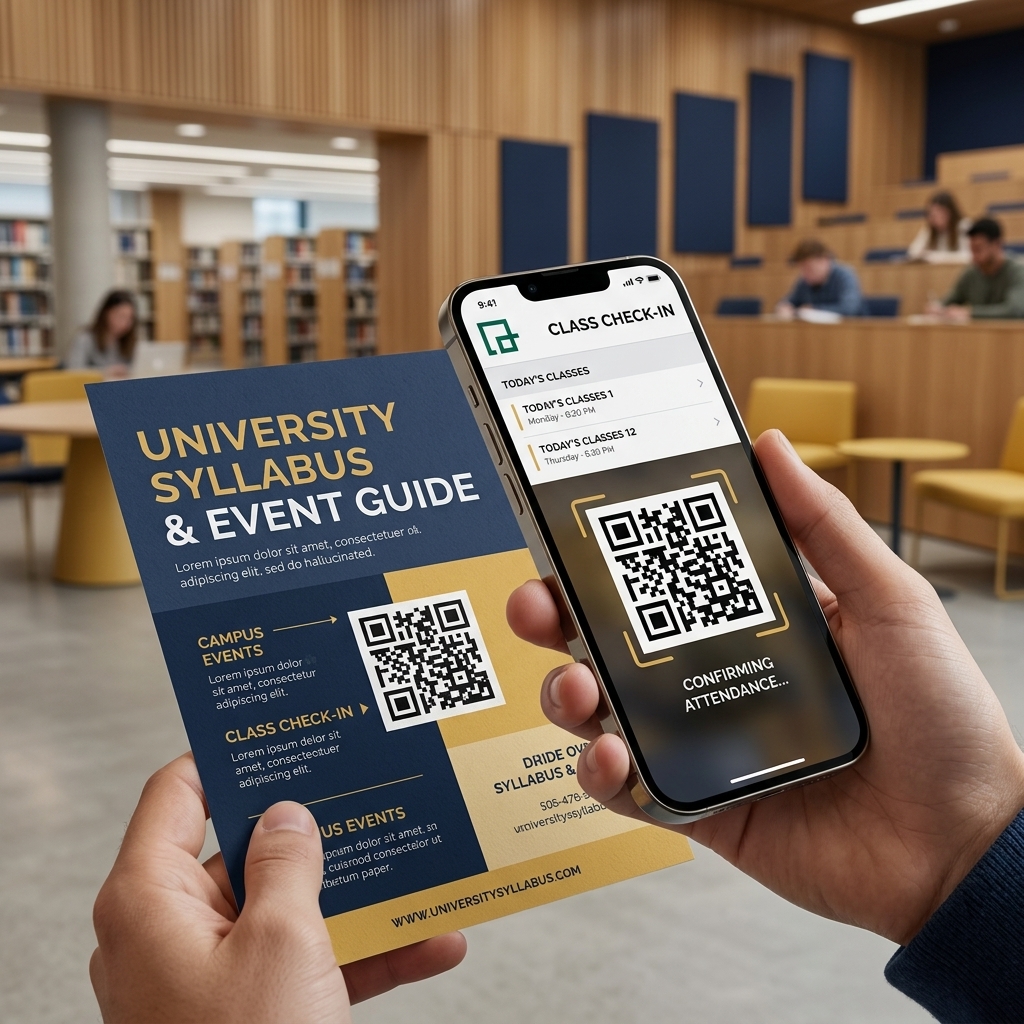
Take attendance in seconds, hand out PDF syllabi instantly, and link physical flyers to dorm portals. No paper waste. No manual roster sheets.
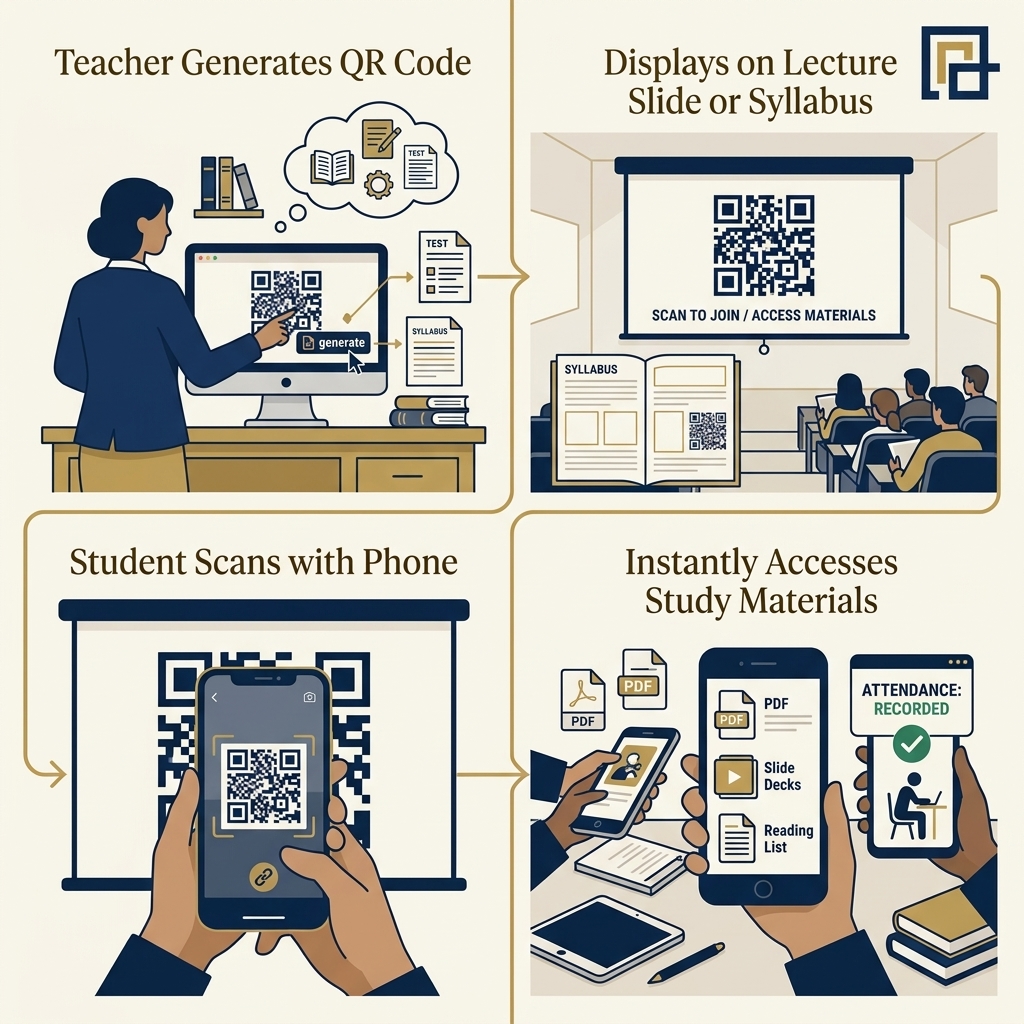
Stop wasting lecture time. Whether you run a 500-seat lecture hall or hand out maps to freshmen, QR codes link physical campus spaces directly to your digital resources.
Project a dynamic QR code on your first slide. Students scan to check in. Disable the link five minutes later to prevent off-campus sign-ins.
Print one code on day one. Update the linked PDF syllabus or reading list remotely as dates shift, without reprinting a single sheet.
Put QR codes on hallway signs and student union maps. Link them to interactive GPS directions to help new students find labs and lecture halls.
Stop guessing. See exactly how many students download the chemistry study guide. Track which dorm posters get the most scans, and watch attendance patterns week by week.
From dorm laundry rooms to lab doors, here is how schools use dynamic codes.
Keep reading lists up to date. Swap the linked PDF in seconds without reprinting paper copies.
Project a code on the screen. Kill the link after class starts to stop remote check-ins.
Stick codes on directories to open Google Maps routes directly to labs, libraries, and dorms.
Scan tickets at student union plays, guest lectures, and football games. No manual roster checks.
Schools and universities use dynamic QR codes to bridge physical materials with online learning resources. By placing codes on campus flyers, classroom doors, and syllabus documents, you ensure students get the exact information they need without the waste of physical printing.
Restrict access to study materials by requiring a school email login or direct authentication before the link opens.
Change destination URLs instantly. Update a menu, classroom schedule, or campus map without replacing the physical stickers.
Common questions about deploying QR codes across your campus.
Create a dynamic QR code and show it on your projector screen. When students scan the code, they check in via a simple form. You can deactivate the link after five minutes to block late arrivals or absent students checking in from their dorms.
Yes. Print one QR code on day one and tape it to your classroom door or syllabus page. When assignments or schedules change, update the PDF in your dashboard. Students always see the newest version without needing a new printout.
Yes, we offer special rates for verified schools, public school districts, universities, and student-run clubs. Send an email to our team from your school address to set up academic pricing.
Put QR codes on flyers across campus. When scanned, they add the event straight to Apple or Google calendars, open ticket portals, or pull up campus maps. You can also track which posters got the most scans.
Yes. Our platform routes students directly to Canvas, Blackboard, or single-sign-on systems. You can also add password protection directly to the QR code destination.
Connect your classrooms, libraries, and dorms. Try QRTRAC today.