Mobile Landing Page Builder

One Scan,
Infinite Links.

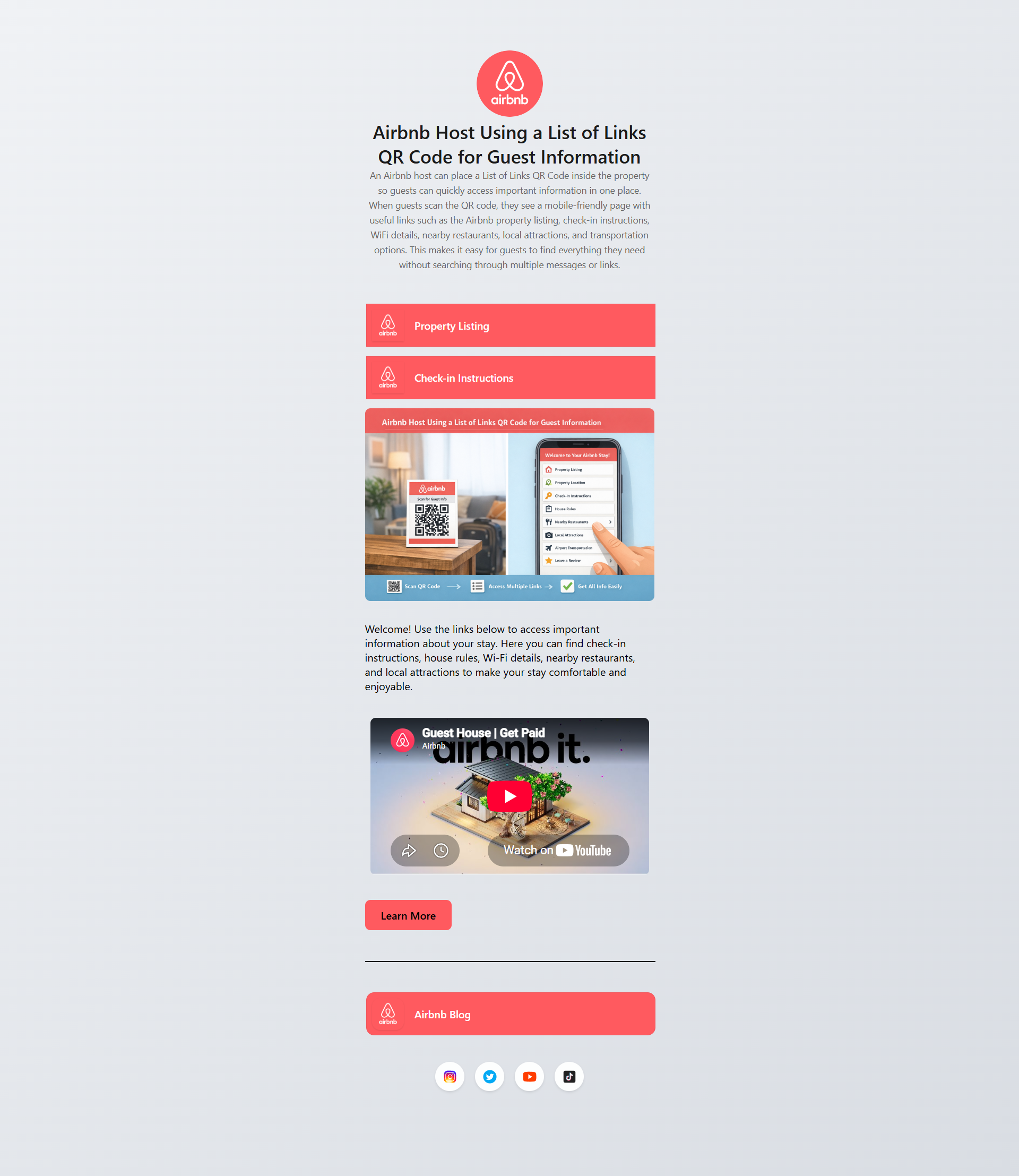
Stop forcing users to choose. Create a stunning, mobile-optimized "Link in Bio" landing page that houses your social profiles, products, videos, and websites—all from a single dynamic QR code.

Watch Page Builder Tutorial

How The Builder Works

No coding required. Build a professional micro-site in under 5 minutes with our drag-and-drop editor.

List of Links Creation Flow
1

1. Select Type

Choose 'List of Links' from the QR generator dashboard.

2

2. Build Page

Add your logo, title, and customize colors. Drop in as many links as you need.

3

3. Add Widgets

Embed YouTube videos, image galleries, and one-click social media icons.

4

4. Design QR

Style the physical QR code that users will scan to reach your new page.

More Than Just
Buttons.

Standard Link-in-Bio tools limit you to text links. Our enterprise builder lets you embed rich media, downloadable assets, and high-converting widgets directly into the mobile experience.

🎨

Brand Control

Full control over background gradients, button radiuses, shadows, and custom typography to match your brand guidelines.

📊

Granular Analytics

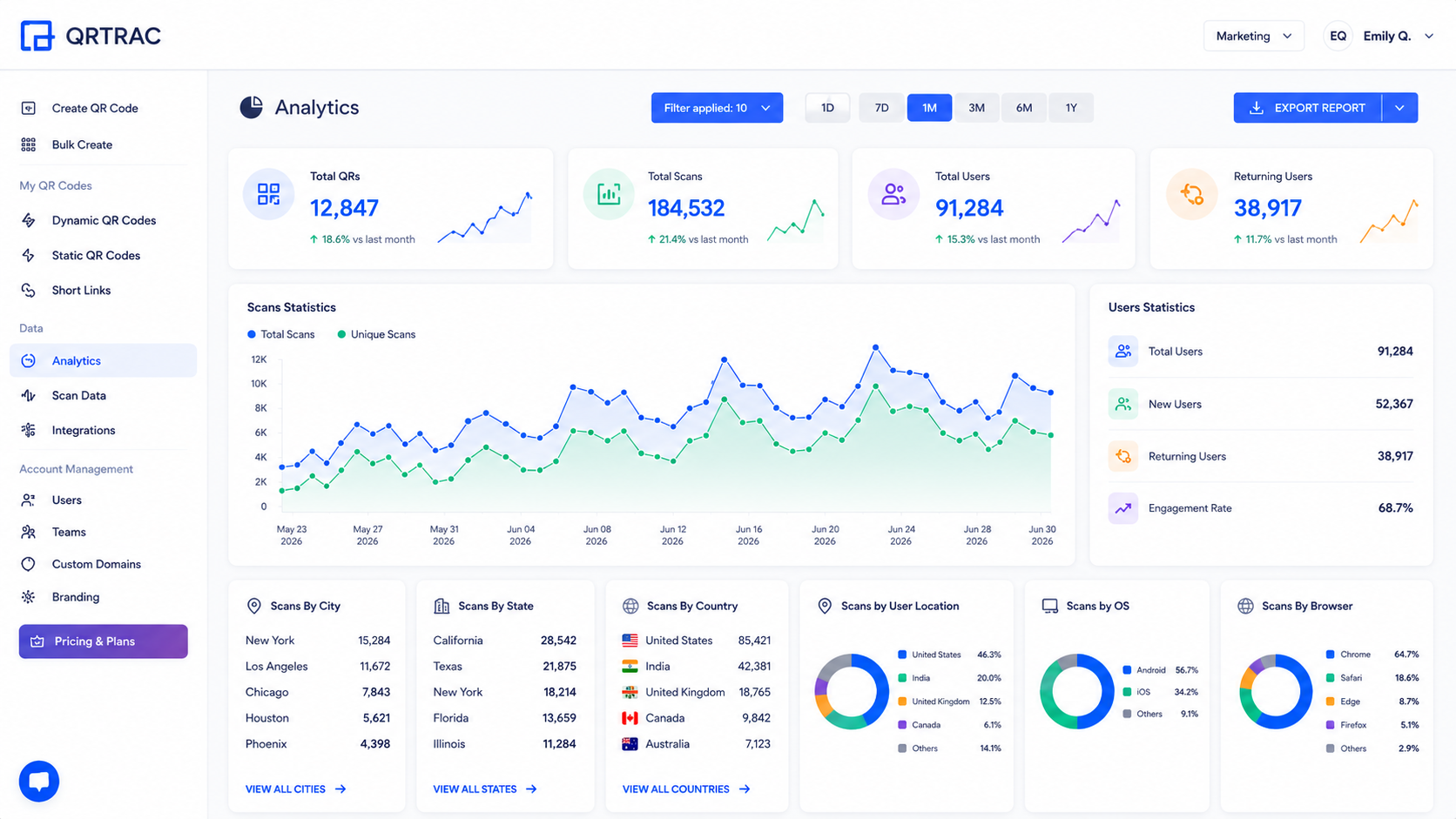
Track not just QR scans, but individual click-through rates (CTR) on every single button or widget on your page.

🔄

Live Sync

Rearrange, add, or remove links from the dashboard. Your page updates instantly for all future scans.

Page Performance
Global CDN Load Time 45ms
Mobile Optimization Score 100/100
Widget Support Video, Image Grids, PDFs & HTML

Real-World Applications

Consolidate your digital presence into one beautiful mobile experience.

📸

Instagram/TikTok Bio

Use the short-link version in your social bios to bypass the 'one link' limitation.

🎸

Musicians & Artists

Link to Spotify, Apple Music, YouTube videos, and your merch store all from one page.

🏪

Retail Promos

Put one code in-store that links to your current catalog, weekly coupon, and Yelp review page.

🏢

Real Estate

Link a property sign to a page containing the 3D tour, agent contact info, and floor plan PDF.

🎙️

Podcasters

Share your latest episodes, Patreon link, and social media channels instantly.

🍔

Restaurants

Provide access to the digital menu, online ordering system, and table reservation portal.

!

Common Avoidable Mistakes

  • Adding too many links and overwhelming visitors. Keep it under 7 primary links.
  • Leaving the profile image blank — it makes the page look unfinished and untrustworthy.
  • Not testing each button before printing or sharing the QR code.

QR Code Generator FAQ

Can I use my own brand domain for QR codes?
Yes! QRTRAC allows you to use your own custom brand domain (e.g., qr.yourbrand.com) in QR codes. This increases trust and brand recognition. The custom domain feature is available on Business Plus and higher plans. Once connected, it takes about 30 minutes to start showing your custom URL.
Can I migrate my QR codes from another platform to QRTRAC?
Yes! If you are using your own custom domain on your current platform, migration is a straightforward DNS change. If you're using a vendor's domain, you'll need to set up a new custom domain and create new QR codes. We offer full support to help you migrate your campaigns seamlessly.
Is it possible to convert a static QR code to a dynamic one?
No. Static QR codes have the destination URL hardcoded into the pattern, while dynamic QR codes use a redirect. You would need to generate a new dynamic QR code to enable tracking and editing features.
Can I edit my QR code?
Dynamic QR codes can be edited at any time, but static QR codes cannot be edited once generated.
Can I track where my QR code was scanned from?
Yes, dynamic QR codes are trackable, and analytics provide geolocation and anonymized IP-based location data.