Make QR code tickets your door staff check in with a phone and a password. Each ticket works once, and seat or zone details only appear after check-in.
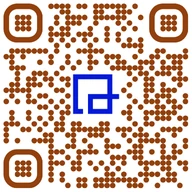
A QR code ticket is a ticket a guest carries as a code on their phone or on paper. At the door, staff scan it, confirm it's valid and mark it used, so it can't get a second person in. With QRTRAC, staff check tickets in with a phone camera and a password, with no app or scanner hardware.
The risk with any ticket is the copy. A paper ticket can be photocopied and a plain QR code can be screenshotted and forwarded. What stops that isn't the code, it's the check-in: once a ticket is marked used, the copy is worthless.
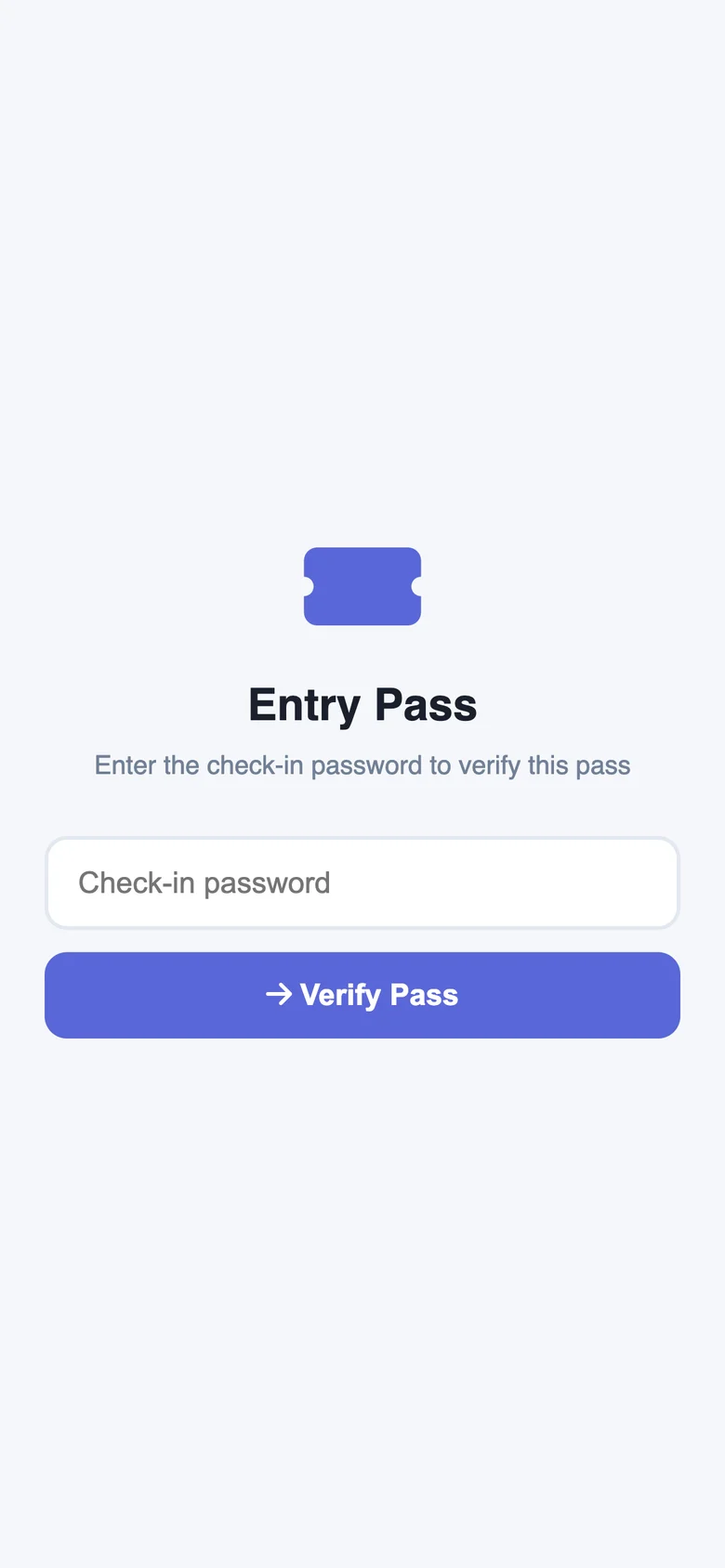
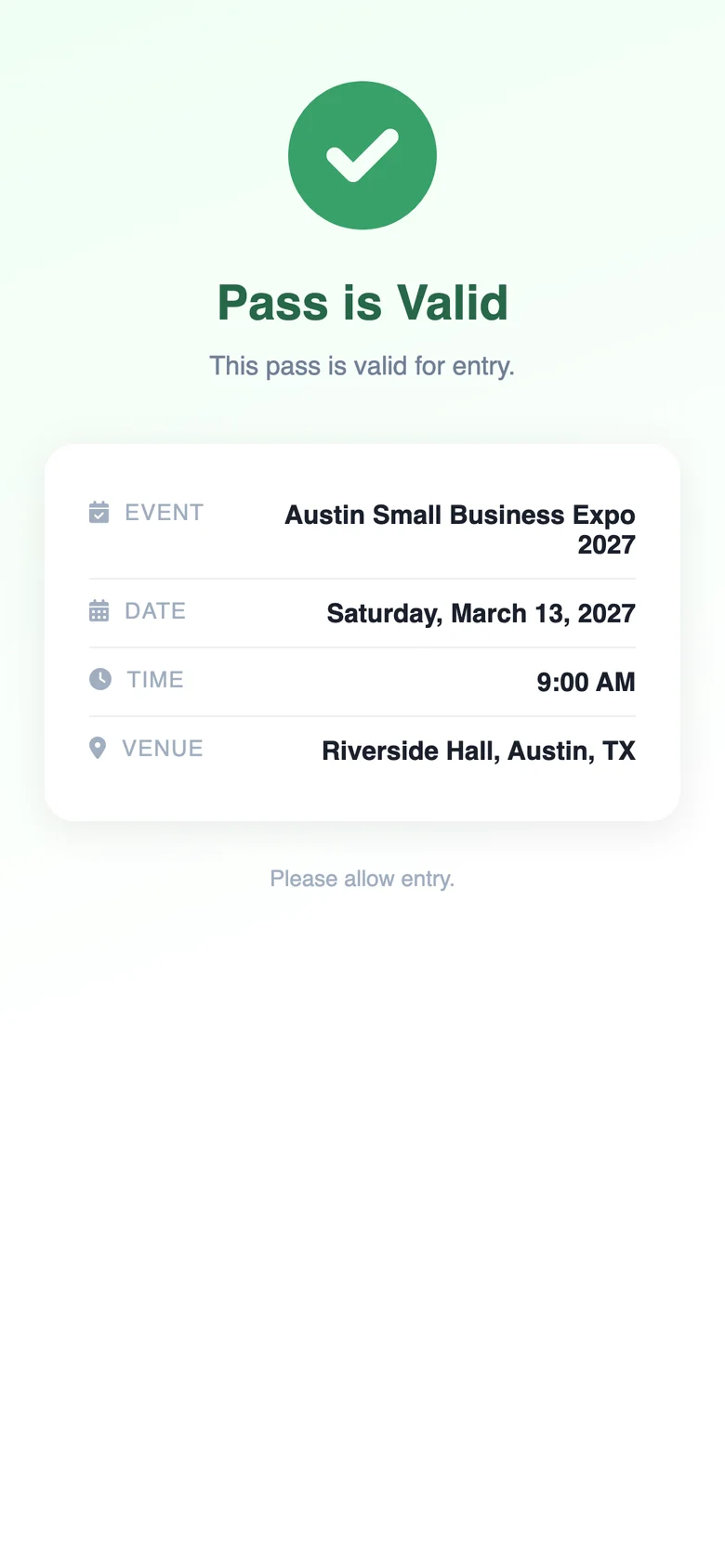
The screens in the example above are exactly this flow, captured on a phone for a fictional expo.
On their phone or on paper. No app on either side.
The ticket opens a check-in screen asking for the password.
The screen shows Pass is Valid with the event, date, time and venue, plus any seat or zone you added.

With Auto Check-in on, a second scan won't show it as valid again. A forwarded screenshot gets nobody else in.
Five steps for the first ticket. After that, duplicate it and change the guest's name.
In the dashboard, click Create QR Code and pick Pass. That's QRTRAC's ticket type.
Event name, date and time, and venue. Guests see these when they open the ticket.
Write the date the US way: Saturday, March 13, 2027, 9:00 AM.
Choose a password of at least 8 characters for door staff, and turn on Auto Check-in so each ticket works once.
Share the password with staff only. Anyone with it can check a ticket in.
Custom fields like Seat 14B or Gate C appear after the ticket is checked in, so a screenshot shows nothing useful.
Add your event logo and colors, title the ticket with the guest's name, then download it or share its link.
Test one ticket end to end with a staff phone before the event. Checking it in uses it up, so test with a spare.
Screenshots of each step: how to create a pass QR code.
QRTRAC covers the ticket and the check-in. Here's where that fits, and where you'd want something else alongside it.
Create a test ticket, check it in from your own phone and see what your door staff will see.
Start your free trial7 days free. No credit card needed.