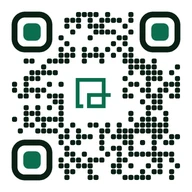
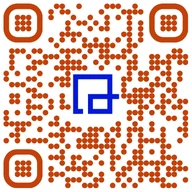
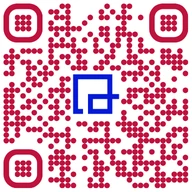
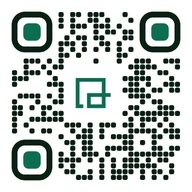
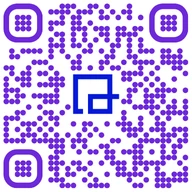
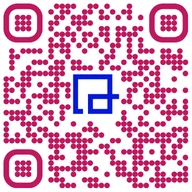
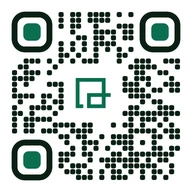
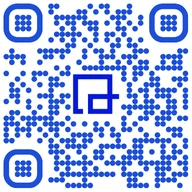
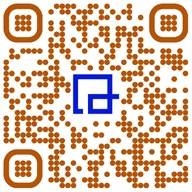
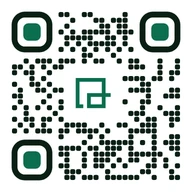
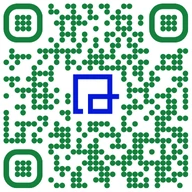
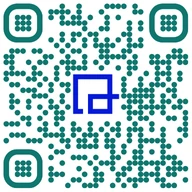
A beautiful design is worthless if your user's camera blocks it. We help you build high-contrast, perfectly-sized codes for restaurant table tents, storefront windows, and physical packaging.
Always maintain at least 40% contrast between foreground and background. Inverted codes (light on dark) often fail on older phone cameras.
Keep a clear border around your code. If you overlap text, logos, or packaging graphics onto this margin, phone scanners will ignore it.
Never print smaller than 2cm x 2cm for a table menu. For a billboard visible from 15 meters away, your QR code needs to be at least 1.5 meters wide.
Export your designs as SVG files for commercial printing. JPG and PNG files blur at the edges, which ruins scannability on physical labels.
Use Level H (High) correction when embedding a center logo. This lets scanners read the code even if up to 30% of the pattern is covered.
Test how your digital menus and checkout pages look on dark screens. A code with a transparent background will break if the screen goes black.
Adding your logo to a scan-to-pay code shouldn't feel like a gamble. Follow our simple rules to customize your codes without blocking scans or hurting signup rates.
Center Alignment: Position logos dead center. This keeps the three large corner squares (finder patterns) completely unobstructed.
Safe Margins: Leave a solid white border around your logo. If your logo touches the adjacent black pixels, the scanner gets confused.
Real-World Testing: Test your print proofs on cheap Android models and older iPhones. Don't rely solely on your latest-generation phone camera.
Use our real-time design generator to customize your colors, add your brand logo, and download production-ready vector assets that print perfectly.